Website mockup videos
How to Create Free Website Mockup Videos in 4K
A website mockup video turns a site screenshot or screen recording into a polished 3D scene for portfolios, launches, decks, and social posts. With freemockup.video, you can create website mockup videos for free, export in 4K, and avoid watermarks and account creation.
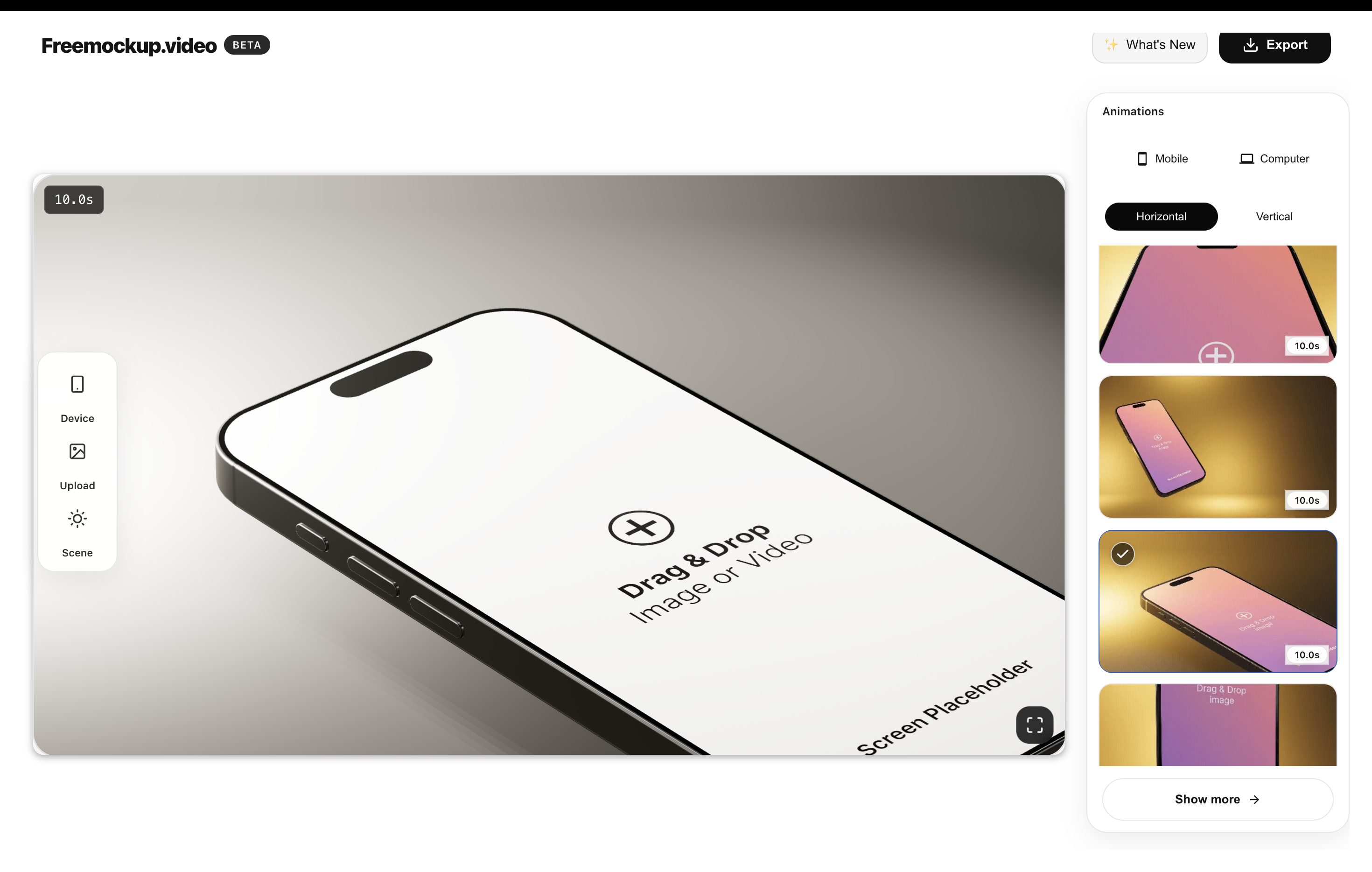
What is a website mockup video?
A website mockup video places your website, landing page, SaaS dashboard, or portfolio project into a moving device or screen scene. You can show the site inside a MacBook mockup, an old MacBook scene, or a clean screen-only frame.
It gives the viewer context without requiring a long walkthrough. That makes it useful when someone needs to understand the look and feel of a site quickly.
Why use video for website presentation?
A static screenshot is easy to ignore in a feed or deck. A short 3D website mockup video adds depth, motion, and polish while keeping the website itself as the main subject.
For agencies and designers, it can make client work feel more premium. For founders, it can make a SaaS product or landing page feel more launch-ready.
How to create one for free
- Record your website or export a high-quality screenshot.
- Open freemockup.video and choose a laptop or screen-only scene.
- Upload your website visual.
- Pick an animation and adjust the scene style.
- Export a clean 4K mockup video with no watermark.
Best website video use cases
- Portfolio case studies for designers and developers.
- Agency proposals and client presentations.
- SaaS feature launches and changelog posts.
- Product Hunt gallery videos.
- Website launch announcements on LinkedIn, X, TikTok, Reels, and YouTube Shorts.
Why freemockup.video is useful
The tool is lightweight enough for quick website presentation work but still includes customizable 3D scenes, high-quality lighting, and multiple animation styles. It is also free with no login, no watermark, and no paywall around 4K export.
For adjacent workflows, read the website demo video guide and the best free 3D mockup video generator guide.
FAQ
Can I create a website mockup video for free?
Yes. freemockup.video lets you create website mockup videos for free.
Can I export in 4K?
Yes. Website mockup videos can be exported in 4K for free.
Does it add a watermark?
No. Exports do not include a watermark.
Do I need an account?
No. You can create a mockup video without logging in.
Can I use MacBook mockups?
Yes. MacBook, old MacBook, and screen-only scenes are available.
Can agencies use it for client work?
Yes. It is useful for agency presentations, client previews, portfolio projects, and social promos.
Create a free mockup video
Use freemockup.video to turn your app, website, SaaS product, or digital product screen into a customizable 3D mockup video with free 4K export and no watermark.