SaaS demo videos
Free SaaS Demo Video Maker for Product Launches
A SaaS demo video does not need to be a long narrated explainer. For many launches, a short screen recording inside a polished MacBook, phone, or screen-only mockup is enough to show what the product does and make it feel credible.
What should a SaaS demo video show?
Show the product state that proves the value fastest: dashboard overview, onboarding flow, before-and-after result, report view, workflow automation, analytics screen, or core feature path. Keep private data out and make text readable.
How to create one for free
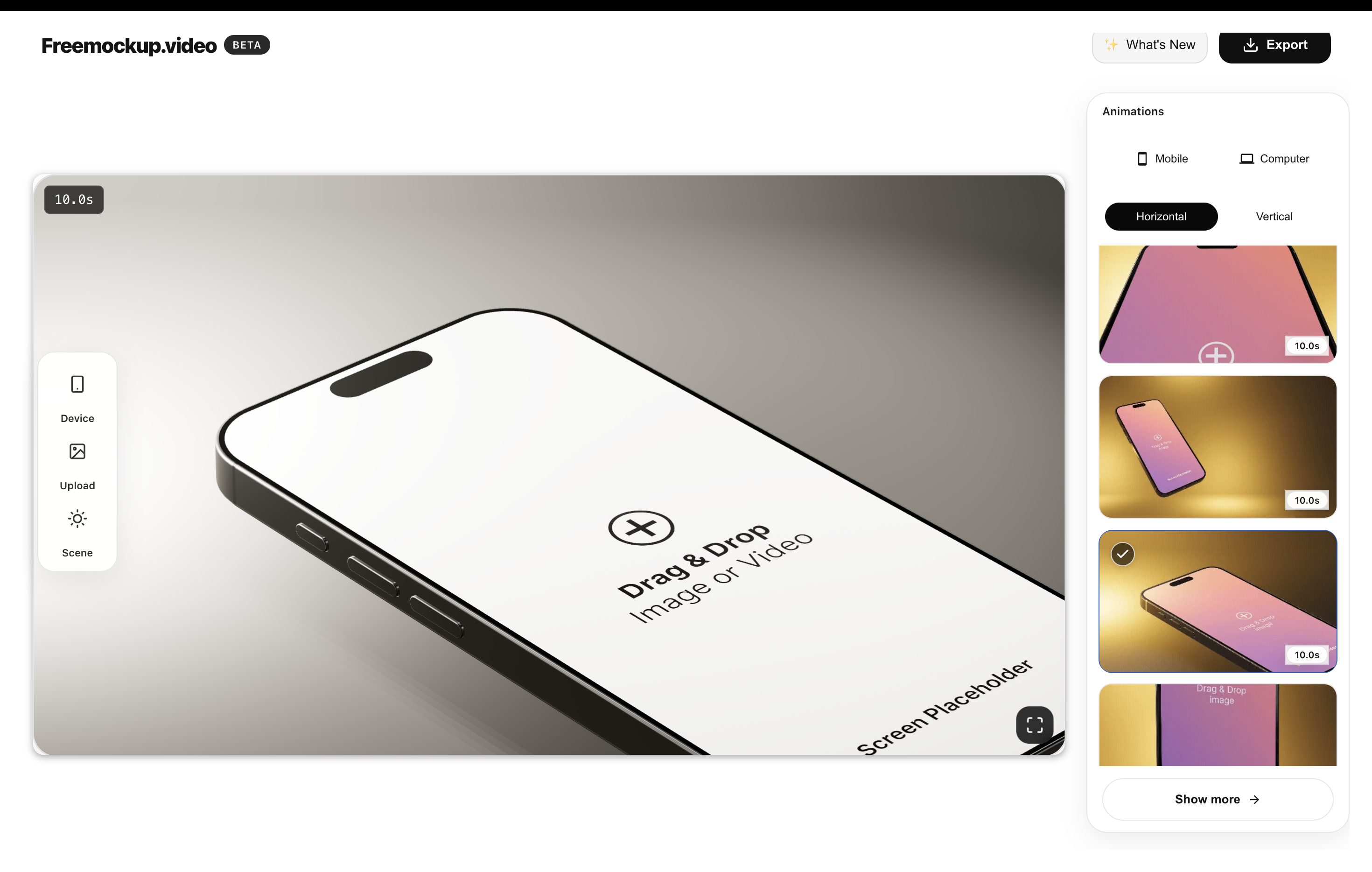
Record a short SaaS workflow, upload it to freemockup.video, choose a MacBook or screen-only scene, select a subtle animation, and export in 4K without a watermark.
Where to use it
Use SaaS demo mockup videos on landing pages, Product Hunt, investor updates, sales decks, changelog posts, LinkedIn announcements, X launch threads, YouTube Shorts, client onboarding, and portfolio case studies.
Why mockups help SaaS positioning
Mockups turn a dashboard from a raw screen into a launch asset. That helps visitors understand the product faster and gives founders reusable visual proof for distribution.
FAQ
Can I make SaaS demo videos for free?
Yes. freemockup.video can turn SaaS screen recordings into free mockup videos.
Which scene should I use for SaaS?
MacBook and screen-only scenes usually work best for SaaS dashboards and web apps.
Is there a watermark?
No. Videos export without a watermark.
Can I export in 4K?
Yes. 4K export is free.
Create a free mockup video
Use freemockup.video to create 3D mockup videos with no login, no watermark, and free 4K export.