iPhone mockups
Free iPhone Mockup Video Generator With No Watermark
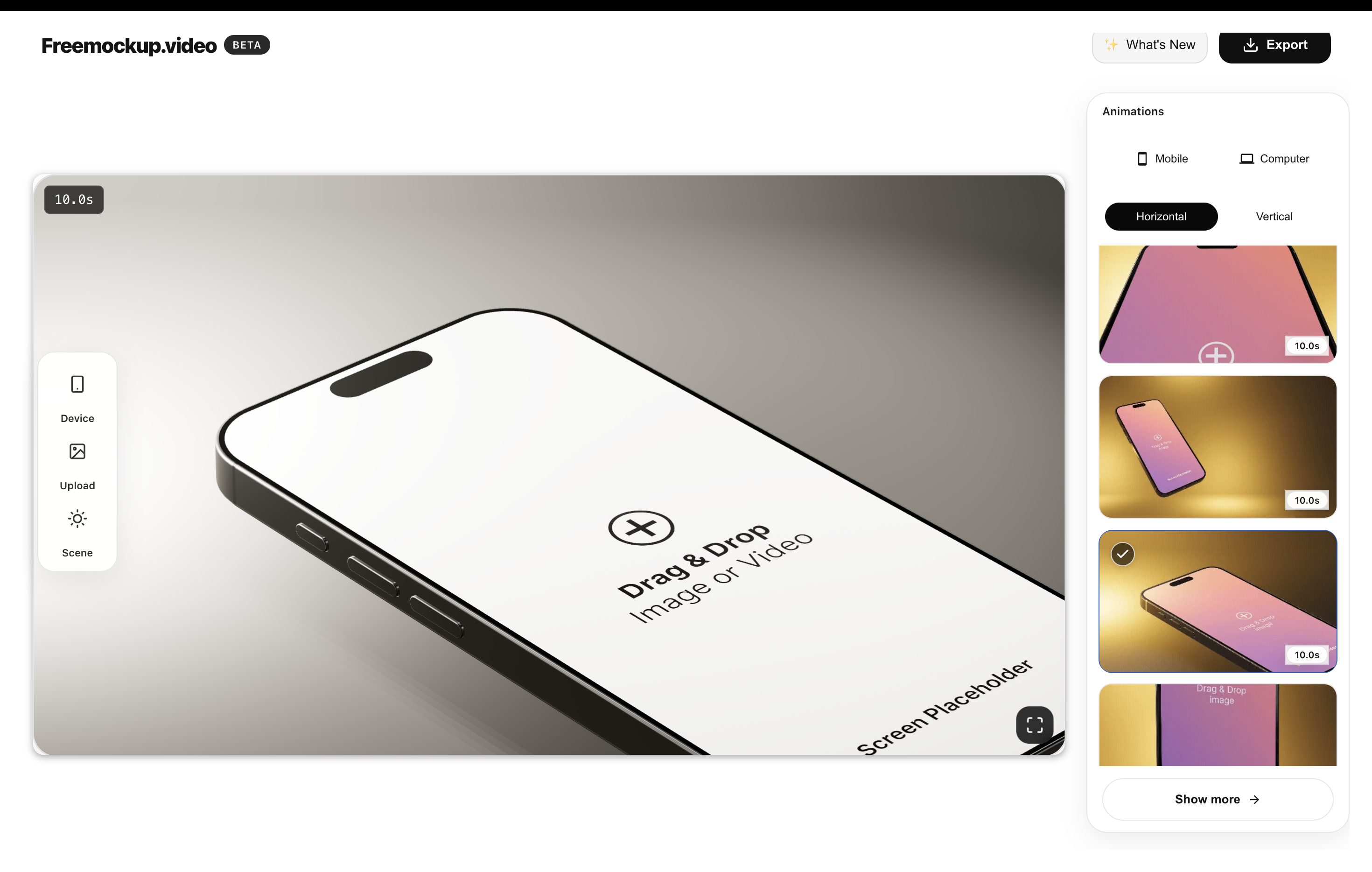
A free iPhone mockup video generator should let you turn an app screen or screen recording into a polished phone scene without forcing a login, watermark, desktop editor, or paid export. freemockup.video is built for that workflow: upload your app screen, choose an iPhone scene, adjust the animation, and export a clean 4K mockup video for free.
What is an iPhone mockup video?
An iPhone mockup video shows your mobile app inside a moving iPhone scene. It can use a screenshot, short screen recording, onboarding flow, checkout flow, dashboard, or feature screen. The goal is to make the product look real and launch-ready without building a full motion design project.
Where iPhone mockup videos work best
Use iPhone mockup videos on landing page heroes, App Store planning assets, Product Hunt galleries, LinkedIn launch posts, X announcements, TikTok, Reels, YouTube Shorts, pitch decks, portfolio case studies, and client presentations.
How to create one for free
Record or export a clean iPhone app screen, open freemockup.video, choose an iPhone scene, upload the media, select an animation, check that the interface remains readable, and export in 4K without a watermark.
Why freemockup.video is useful
The tool keeps the high-intent requirements together: free browser workflow, no login, no watermark, free 4K export, customizable 3D scenes, strong lighting, and multiple animation styles.
FAQ
Can I make an iPhone mockup video for free?
Yes. freemockup.video lets you create iPhone mockup videos for free.
Does the iPhone mockup video have a watermark?
No. Exports do not include a watermark.
Do I need to log in?
No. You can create and export without an account.
Can I export in 4K?
Yes. 4K export is free.
Create a free mockup video
Use freemockup.video to create 3D mockup videos with no login, no watermark, and free 4K export.