App Store screenshots
App Store Screenshot Generator Guide: Sizes, Mockups, and Promo Assets
An App Store screenshot generator is not just a canvas size tool. It is a way to turn product screens into a story that helps people understand why your app is worth downloading.
Start with the message, not the frame
The most common screenshot mistake is starting with device frames before deciding what the screenshot needs to say. Each image should communicate one benefit: save time, track progress, create something faster, compare options, or solve a stressful task. The mockup is there to make that benefit feel real.
Use mockups to create visual trust
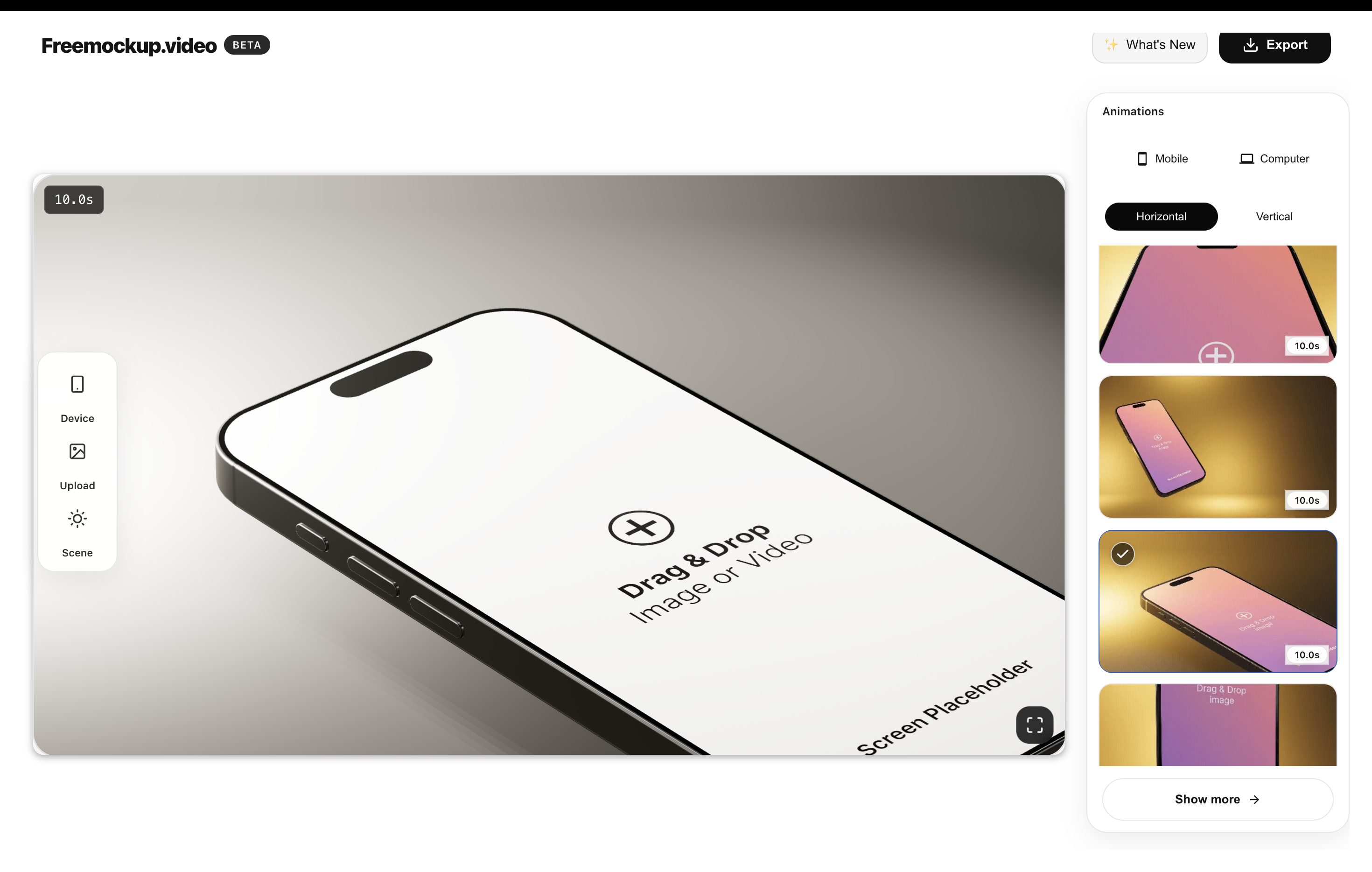
Device mockups make a product feel more tangible. They show that the app is not just an abstract screen. For App Store and Google Play assets, a clean mockup can also help maintain visual consistency across portrait screenshots, landscape previews, landing pages, and launch posts.
Turn one screen into many assets
A good workflow lets you reuse the same uploaded screen across store screenshots, launch videos, website hero images, Product Hunt galleries, social clips, and pitch decks. This is where a browser-based mockup generator becomes more useful than a static design template.
SEO content opportunities
Screenshot-related searches are broad: App Store screenshot generator, Google Play screenshot generator, iPhone mockup generator, screenshot sizes, ASO screenshot examples, and app preview video maker. A strong blog should cover all of these topics and link them to commercial landing pages.
A simple screenshot set structure
For most apps, use a five-part set: a hero benefit, the core workflow, one proof or result screen, one feature detail, and one trust or speed promise. This structure works for productivity apps, finance apps, wellness apps, developer tools, and SaaS products.
FAQ
How many App Store screenshots should I create?
Create enough screenshots to explain the main value without repeating yourself. Five focused screenshots are often stronger than ten vague ones.
Should screenshots include device mockups?
Usually yes. Device mockups help users understand the product context and make screenshots feel more polished.
Try the free mockup workflow
Use freemockup.video to turn an app screen into browser-based mockup images and videos for launch pages, store assets, social posts, and pitch decks.