App demo videos
How to Make an App Demo Video for Free
You can make an app demo video for free by recording your most important product flow, placing it inside a clean 3D device mockup, and exporting a short launch-ready clip. freemockup.video handles the mockup video part for free with no login, no watermark, and free 4K export.
What makes a good app demo video?
A good app demo video is short, readable, and focused on one product outcome. Instead of showing every feature, show the screen or workflow that makes the product easiest to understand.
For launch pages and social posts, a 10 to 30 second mockup clip is often more useful than a long narrated walkthrough.
Plan the demo before editing
- Pick one audience: users, investors, Product Hunt visitors, clients, or recruiters.
- Choose one workflow that explains the product quickly.
- Record a clean screen with no private data.
- Keep interface text readable and avoid fast camera movement.
Create a 3D mockup clip
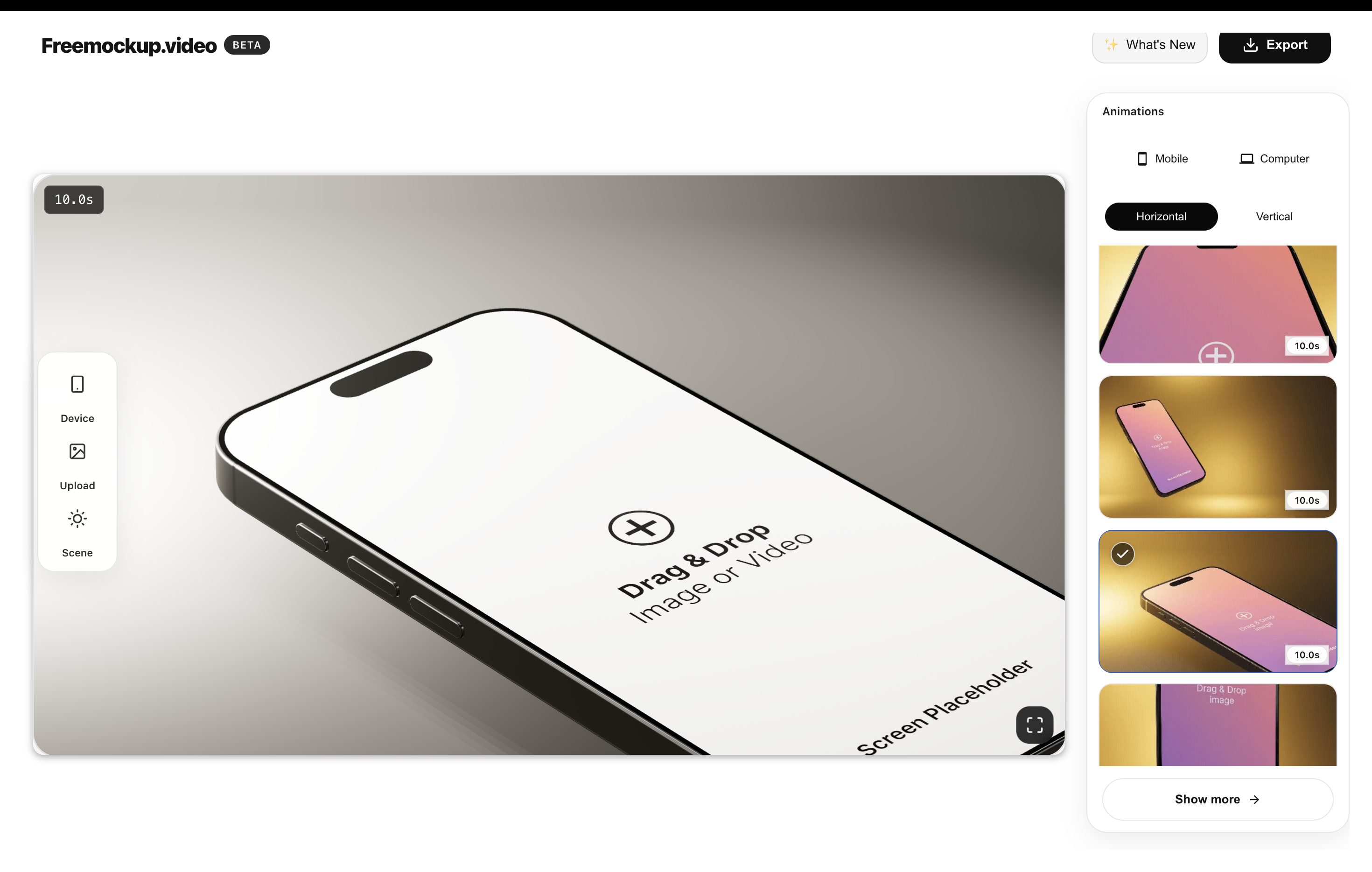
Open freemockup.video, upload your screen recording or screenshot, choose a device scene, and select an animation. Use iPhone or Android/Samsung for mobile app demos, MacBook for web apps, and screen-only scenes for a product-first look.
Export in 4K without a watermark, then trim or caption the clip in your editor if you need a specific social format.
Where to use the demo
Use the app demo video on your landing page, Product Hunt gallery, App Store planning docs, Google Play marketing materials, pitch deck, LinkedIn launch post, X announcement, TikTok, Reels, YouTube Shorts, or portfolio case study.
Why freemockup.video is useful
The tool removes the hardest part of a quick app demo video: making the raw screen recording look polished. You get customizable 3D scenes, 60+ animations, high-quality lighting, and free 4K export in the browser.
For more targeted app guidance, read How to Create Free App Mockup Videos Without Watermarks.
FAQ
Can I make an app demo video without paying?
Yes. You can use freemockup.video to create the 3D mockup video for free.
Can I use a screen recording?
Yes. A short screen recording is ideal for app demo videos.
Does the export include a watermark?
No. freemockup.video exports without a watermark.
Do I need an account?
No. You can create the mockup video without login.
Can I export in 4K?
Yes. 4K export is free.
What device scenes work best?
Use iPhone or Android/Samsung for mobile apps, MacBook for web apps, and screen-only scenes for clean product demos.
Create a free mockup video
Use freemockup.video to turn your app, website, SaaS product, or digital product screen into a customizable 3D mockup video with free 4K export and no watermark.